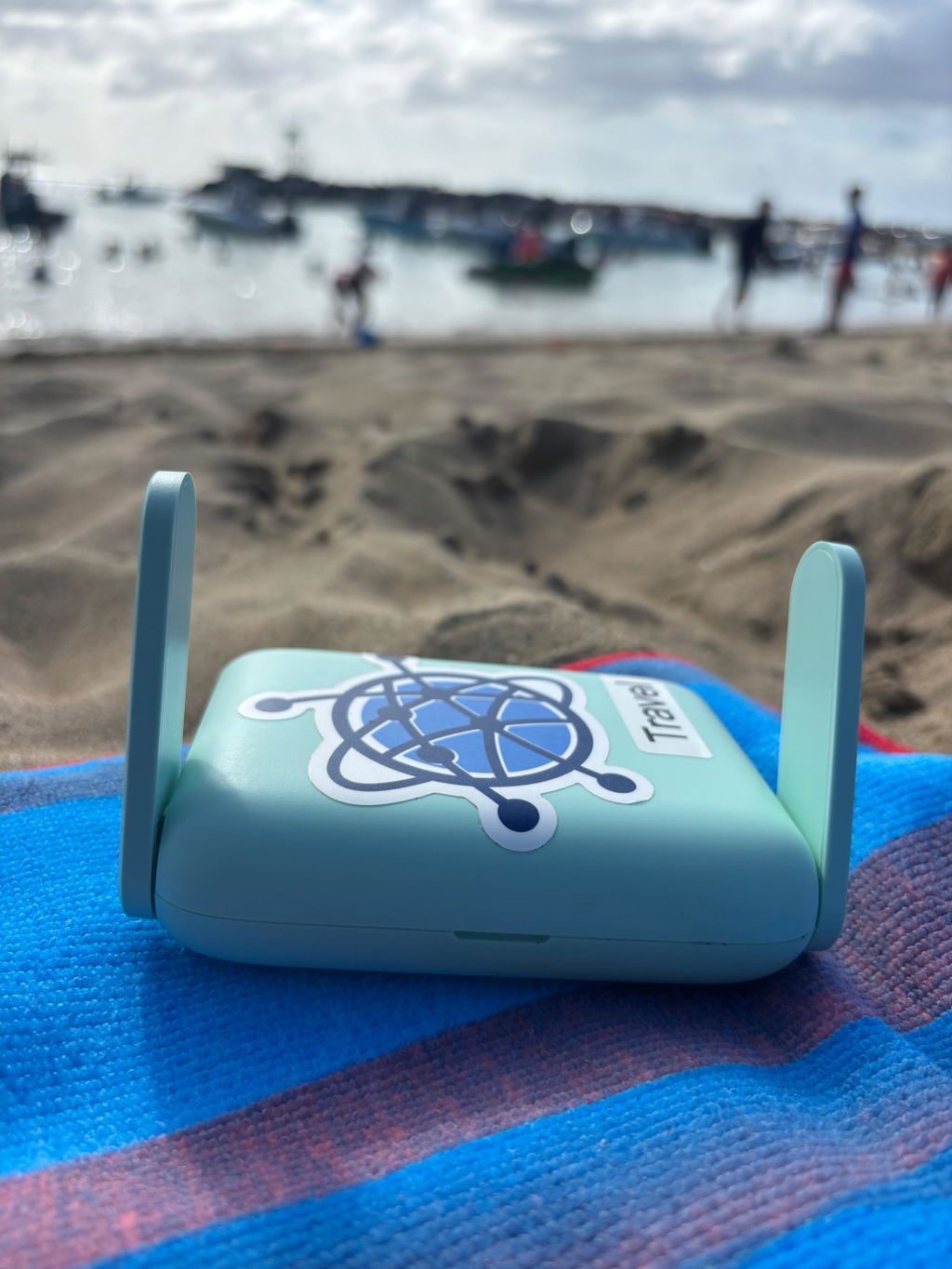
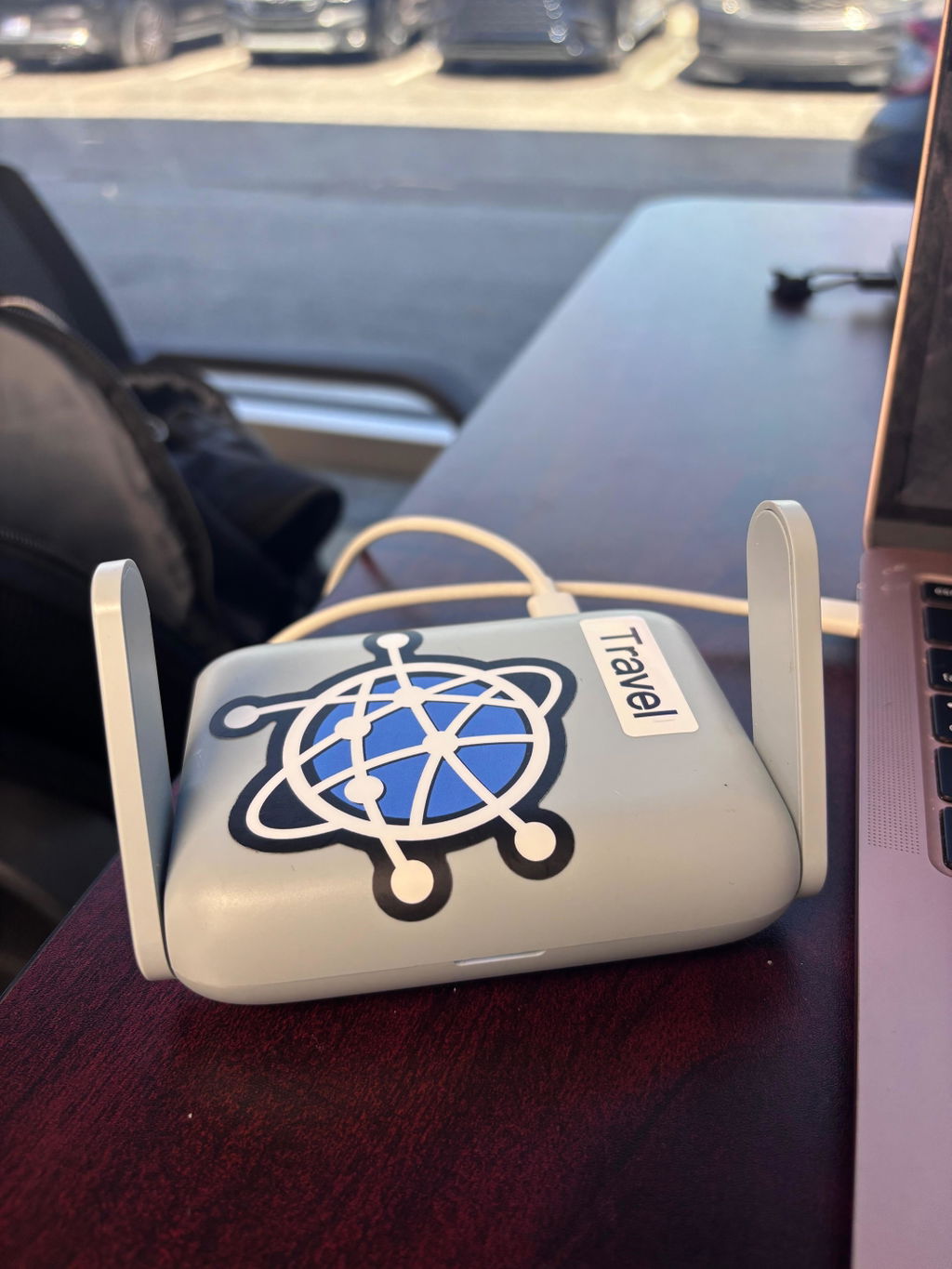
Homelink Router Kit (Pro)

Homelink Router Kit (Pro)

$469.99
Skip to product information
Homelink Router Kit (Pro)
1/5

Homelink Router Kit (Pro)

$469.99

One thing to do before your kit arrives

When you place your order, you'll receive a welcome email from HomeLink with a link to set up your account at app.homelinkrouters.us. Open it and complete setup — you'll need your account to activate your routers when the kit arrives. Check your spam folder if you don't see it within a few minutes. Questions? support@homelinkrouters.us

Your work connection, rooted at home. Wherever you are.

The Router Kit Pro routes your internet traffic through your home network — so your IP address, your location, and your digital identity all stay exactly where they should be. From Bali to Berlin, your laptop looks like it's sitting on your home desk.

Why Pro

  • Built for bandwidth-heavy work: The Pro kit uses the GL-MT3000 Beryl AX — dual-band, WiFi 6, ~300–400 Mbps tunnel throughput under good home upload conditions.
  • Video calls and large file transfers: If you're on Zoom, Teams, or Meet for most of your day, or regularly pushing large files to the cloud, the Pro has the hardware headroom to handle it without degrading.
  • Multiple devices: Laptop, phone, and tablet simultaneously without noticeable slowdown.
  • 5GHz WiFi: Connects to 5GHz hotel and Airbnb networks — less congestion in busy coworking spaces and hotels.

What's in the box

  • Home router + travel router: Both pre-linked and ready to go. The home router stays at your residence. The travel router goes with you.
  • No setup required: It arrives ready to use. Plug the home router into your home network, claim the travel router in the app, and you're done.
  • Power adapters for both: Everything included.

What you need at home

A working internet connection. The faster your home upload speed, the faster your tunnel. HomeLink doesn't add latency — it routes through your existing connection.

Router Kit Pro — hardware specifications

Travel router

  • Model: GL-MT3000 (Beryl AX)
  • Processor: Dual-core ARM Cortex-A53, 1GHz
  • WiFi: Dual-band — 2.4GHz + 5GHz (WiFi 6)
  • WireGuard throughput: ~300–400 Mbps (limited by home upload speed)
  • USB: USB 3.0
  • Power: Type-C (5V/3A)
  • Dimensions: 118 × 85 × 30mm · 181g
  • Operating temperature: 0–40°C

Home router

  • Model: GL-MT3000 (Beryl AX)
  • Note: Both kits use the same home router. The travel router hardware is what differs between Lite and Pro.

FAQ

What do I need to do before my kit arrives?

One thing — look for a setup email from HomeLink shortly after you place your order. It contains a link to create your account at app.homelinkrouters.us. Complete this before your kit arrives. If you skip it, you won't be able to activate your routers. Check your spam folder if it doesn't appear within a few minutes of ordering. Everything else — billing, claim code, provisioning — is guided step by step once you're in the app.

Will this work with my company's VPN

Yes, our hardware creates a "transparent" bridge that allows your work VPN (like Cisco AnyConnect or GlobalProtect) to build its secure tunnel inside our residential relay.

Tested with:
  • Cisco AnyConnect / Secure Client
  • Palo Alto GlobalProtect
  • Fortinet FortiClient
  • Check Point Harmony Connect
  • Citrix Gateway / NetScaler
  • Zscaler Private Access (ZPA)
  • Cloudflare One / Zero Trust
  • NordLayer / Perimeter 81
  • SonicWall NetExtender
  • Pulse Secure / Ivanti Connect Secure
What happens if my internet goes out?

The travel router has a kill-switch that instantly severs your device's internet access if the secure connection to your home is interrupted. This prevents your real foreign IP from being exposed — a connection drop looks like a standard internet blip, not a location change.

Can’t I just use a standard VPN like ExpressVPN?

Software VPNs use "Data Center" IP addresses that are easily flagged by corporate security systems as "Privacy Tools". Furthermore, some laptop setups don't even allow VPNs to be installed for security reasons or because it interferes with the company VPN. Our hardware solution solves all of this by placing the VPN on the router and uses your actual Residential IP address, meaning your digital footprint looks identical to a normal day in your living room, avoiding the headache altogether.

Is there a monthly fee?

Yes. Hardware is a one-time purchase. A HomeLink subscription is billed separately and required to keep your tunnel active. Your first 30 days are free — the trial starts when your travel router is first activated, not when you order. After the trial, billing continues on the plan you selected during account setup. You can manage or cancel your subscription anytime at app.homelinkrouters.us/billing.

Is my home internet compatible?

HomeLink works with any standard home internet connection — fiber, cable, or DSL. The speed of your tunnel is capped by your home internet's upload speed. If your home connection uploads at 25 Mbps, your tunnel will run at up to 25 Mbps regardless of which kit you buy. We recommend a minimum of 10 Mbps upload for a smooth experience. You can check your upload speed at fast.com or speedtest.net.

  • 5 stars: 6 (100%)
  • 4 stars: 0 (0%)
  • 3 stars: 0 (0%)
  • 2 stars: 0 (0%)
  • 1 star: 0 (0%)
E
Emma

I used HomeLink for a 3-week workation in Puerto Rico instead of burning PTO. The setup was straightforward but I hit a snag with the WiFi at my Airbnb. I reached out to support and they were on it immediately. Ended up working seamlessly the whole trip. If you’re thinking about going abroad while working and need your home IP to stay connected to work apps, that’s exactly what HomeLink is for.

X
Xilena

I travel a few months out of the year and was constantly worried about IP consistency and VPN compatibility on my company laptop. HomeLink gave me a stable home IP setup without messing with my corporate VPN. Setup was straightforward and everything was preconfigured. Once it was plugged in, it just worked.

D
Danny

I've been using a HomeLink Routers US router while working abroad, and it has been working great. The setup process was straightforward and easy to follow, even for someone who isn't very technical. When I ran into some issues during the initial setup, their customer support team was responsive, knowledgeable, and helped me get everything working quickly.

The connection has been reliable, which is essential for my work, and I've had a positive experience overall. If you're looking for a router solution for working remotely from another country, I would definitely recommend HomeLink

A
Andy

The Homelink setup is satisfyingly seamless. The routers are delivered pre-configured and the steps provided to connect via Homelink are super simple to follow. I can certainly say connectivity was secure and reliable from any location I've connected from. Homelink tech support is also very responsive in case of any questions. I highly recommend to anyone wanting the freedom to stay connected with their home resources securely from anywhere.

h
hillary gil

The home link was easy to set up , the instructions were step by step and easy to follow. The administrator also was attentive if there was any questions In set up or connectivity issues. I was able to use on my trip to Puerto Rico and network registering as my at home network.

G
Gladys

HomeLink has made possible what I never imagined, working remotely from anywhere in the world securely and privately. Setup is straightforward but the company provides excellent customer service if needed. Highly recommend this company and their product.