
Same tunnel. Different hardware.
Pick what your work demands.
Both kits route your traffic through your home IP. The difference is how much bandwidth your day-to-day work actually needs.
Lite covers email, Slack, browsing, and audio call. Pro handles video calls, large uploads, and multiple devices — the right kit for most remote workers. Elite is for handling heavy network use while traveling with a partner or a team — fast enough for everyone, nothing slows down.
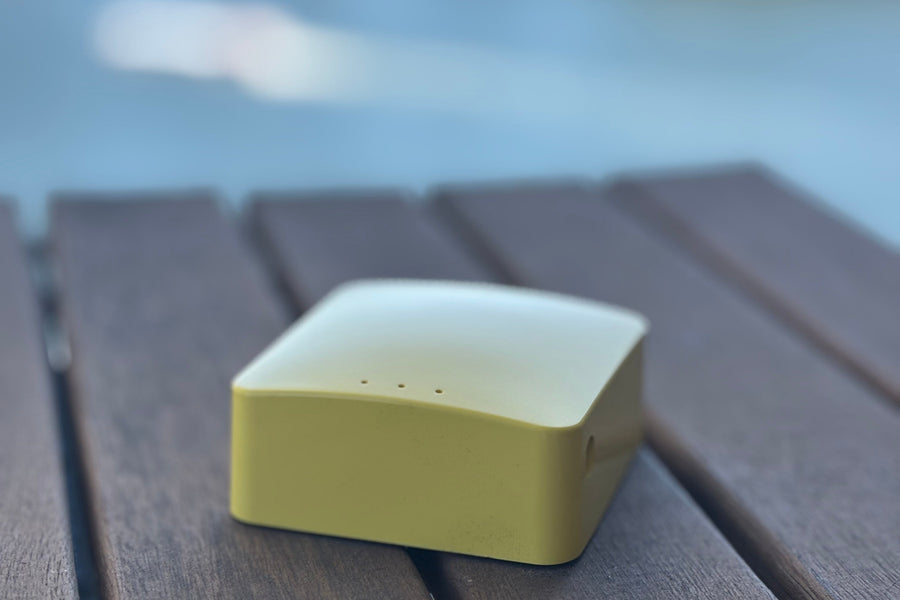
Router Kit Lite
For light remote work and travel
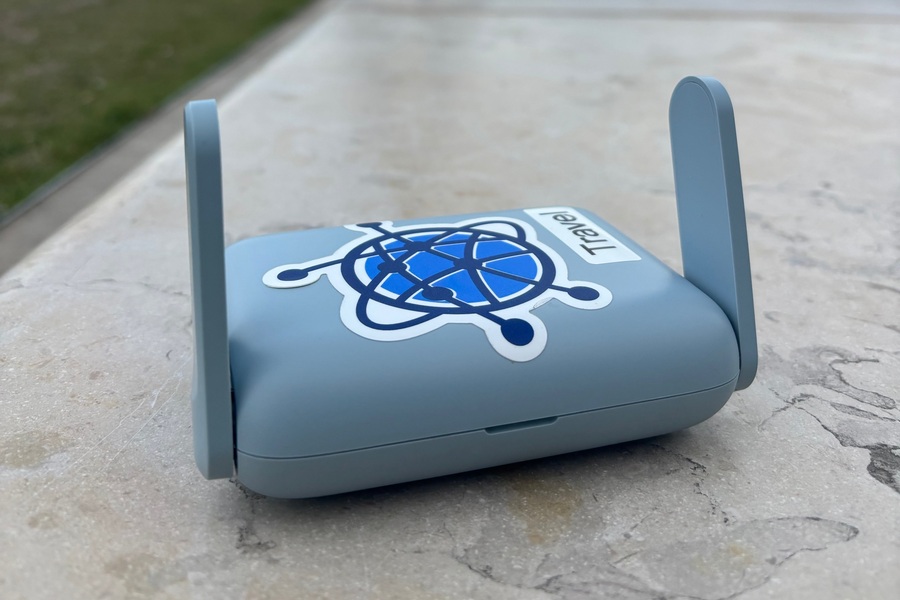
Router Kit Pro
For heavy remote work and extended travel
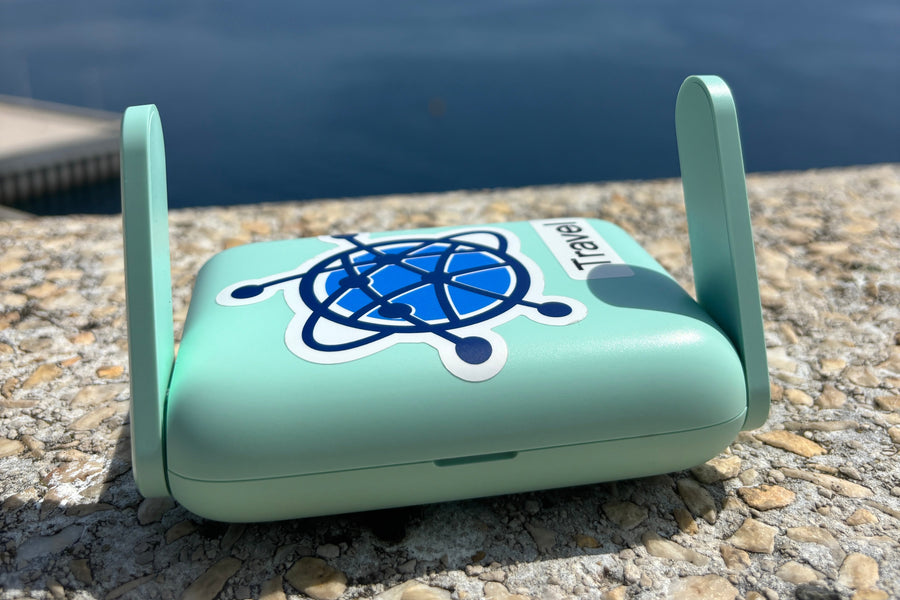
Router Kit Elite
For high-bandwidth workflows and demanding setups
| Feature | Router Kit Lite | Router Kit Pro | Router Kit Elite |
|---|---|---|---|
| Core features | |||
| Your home IP, anywhere in the world | ✓ | ✓ | ✓ |
| Encrypted WireGuard tunnel | ✓ | ✓ | ✓ |
| Works for streaming and banking apps | ✓ | ✓ | ✓ |
| Connects to 2.4GHz hotel and Airbnb WiFi | ✓ | ✓ | ✓ |
| Managed setup — no configuration required | ✓ | ✓ | ✓ |
| Works with corporate VPNs Zscaler, Cisco AnyConnect, and similar tools | ✓ | ✓ | ✓ |
| Performance | |||
| Connects to 5GHz hotel and Airbnb WiFi Less congestion in busy hotels and coworking spaces | × | ✓ | ✓ |
| Smooth video calls (Zoom, Teams, Meet) Requires sustained upload through the tunnel | Limited | ✓ | ✓ |
| Large file transfers and uploads Design files, video exports, cloud backups | × | ✓ | ✓ |
| Multiple devices simultaneously Laptop + phone + tablet without slowdown | 2–3 light devices | 25+ devices | 120+ devices |
| Tunnel speed Sustained throughput over WireGuard tunnel | 15–20 Mbps | 300–400 Mbps | Up to 1,100 Mbps |
| WiFi generation Less interference in crowded hotels and coworking spaces | WiFi 4 | WiFi 6 | WiFi 7 |
Tunnel speed is capped by your home internet upload speed — not the router hardware. A faster home connection means a faster tunnel. The hardware determines how much of that speed the router can push through encryption at once. · An active HomeLink subscription is required after the 30-day trial. Subscription is billed separately from the hardware purchase.